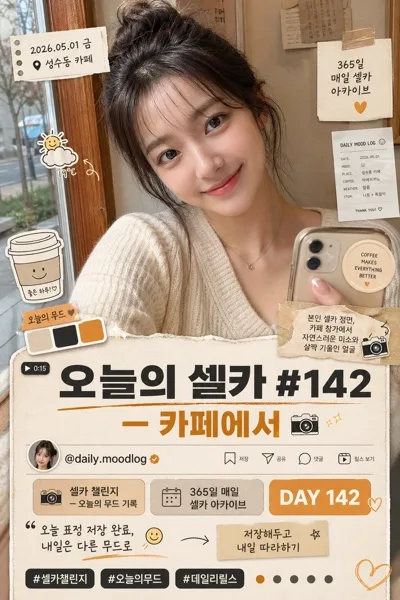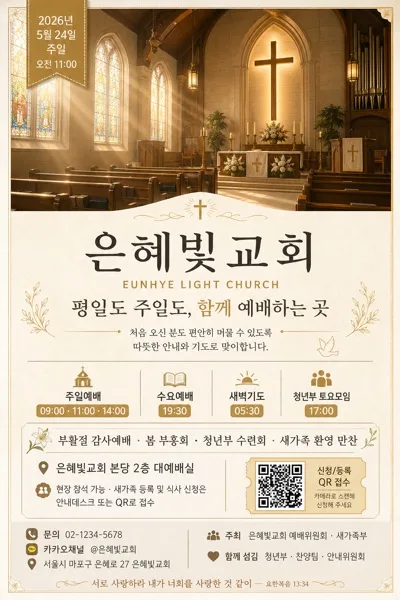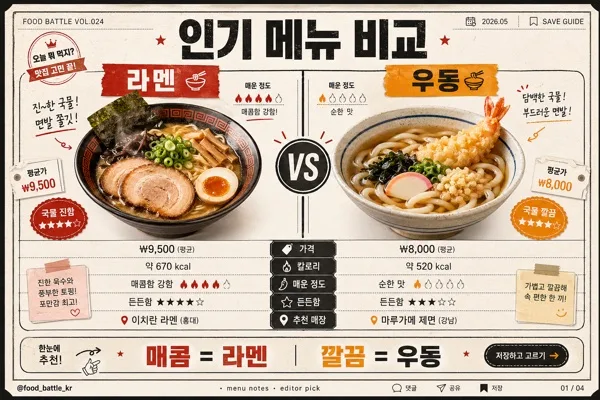
Social/Card News
자격증·시험 합격 인증
자격증 사진 → 합격 인증 카드 합성.
자격증·시험 합격 인증 summary
Copy this ChatGPT image prompt to create Social/Card News results. Its subject, background, style, and composition are organized for quick iteration.
Related keywords: 자격증·시험 합격 인증, 자격증·시험 합격 인증 프롬프트, Social/Card News 프롬프트, Social/Card News AI 이미지 프롬프트, ChatGPT 이미지 프롬프트, AI 이미지 생성 프롬프트, AI 프롬프트, 이미지 프롬프트
How to use 자격증·시험 합격 인증
Keep the prompt structure and swap the subject, background, palette, or composition to create new variations.
- Keep the main subject and adjust the palette and background for your brand, season, or channel.
- If the result feels busy, simplify the background and make the subject, composition, and lighting more specific.
- After copying, ask ChatGPT to adapt it for your platform, aspect ratio, or text requirements.
Original prompt
[Input]
- reference_image: {참고 이미지}
- language: Korean
- output_size: 1024x1024

[Purpose]
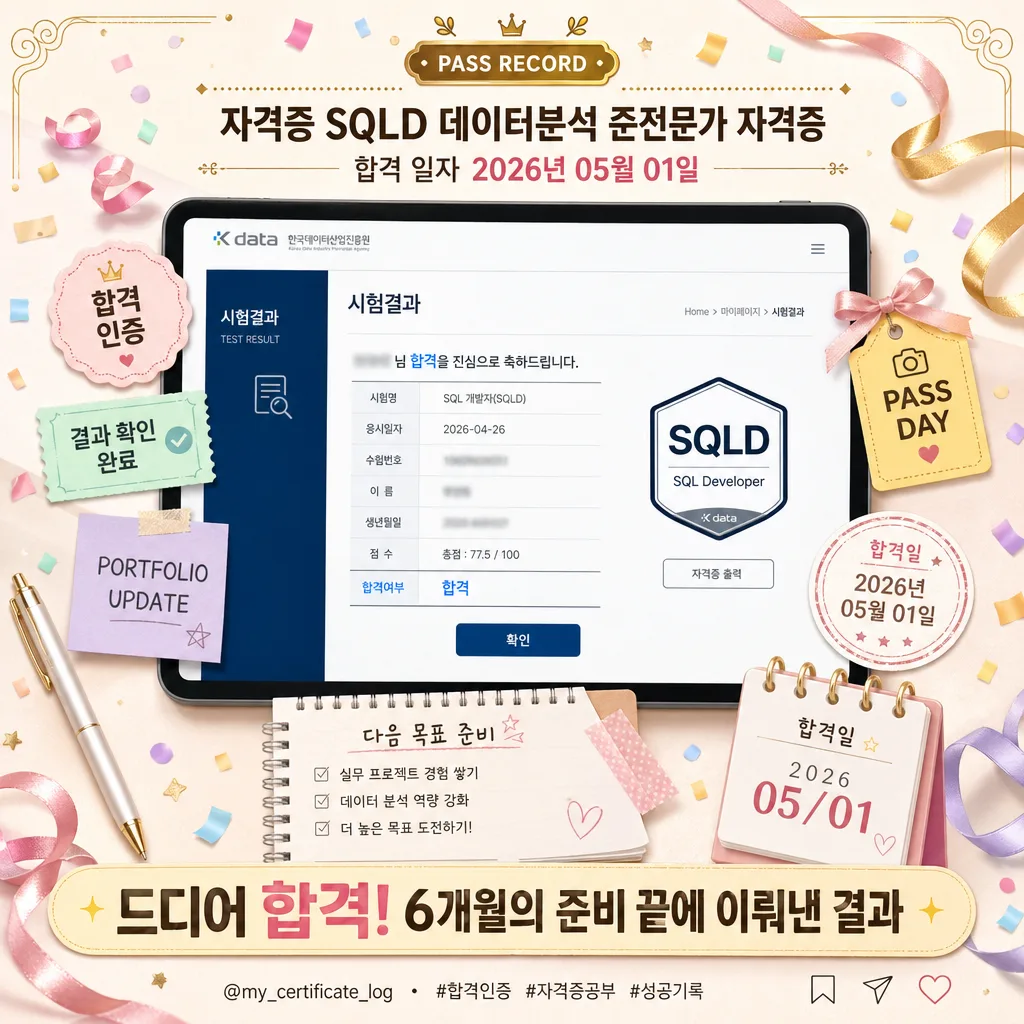
Korean certification pass announcement card, square social post optimized for Instagram, KakaoTalk, portfolio feeds, and personal achievement updates.
Create a real-looking celebratory success proof image: the user’s certificate or pass screen is presented as the hero, surrounded by realistic congratulatory stationery, social-card metadata, and polished achievement-card details.

[Composition]
- Subject placement: the hero proof image occupies the center 58–62% of the frame, presented like a printed certificate, tablet screen, or captured pass result placed on a softly lit desk surface.
- Background treatment: warm pastel celebration desk scene tuned to {컬러 톤}, with paper grain, confetti, ribbon curls, translucent sticky notes, a pen, a small calendar corner, and subtle congratulatory stationery that makes the card feel photographed and authentic.
- Header placement: the top 18% contains a compact centered title block with a small decorative label above it, designed for instant reading on mobile screens.
- Bottom banner placement: the lower 22% carries the main celebration line in a rounded highlight band, plus tiny social-post details such as save/share micro icons, a handle line, and a short hashtag row.
- Framing direction: balanced vertical stack along a center axis, with layered decorative elements around the certificate and enough visual depth to feel like a real desk flat lay.

[3. CORE STRUCTURE]
1. Hero area (center 60%): {참고 이미지} shown as the main proof element, centered and clearly visible, with realistic paper or device edges, a soft cast shadow, slight perspective depth, and a premium pass-announcement presentation.
2. Top header block (upper 18%): render a small label "PASS RECORD" above the main header. Then render "자격증 {자격증 이름}" on the first line and "합격 일자 {합격 일자}" on the second line, both centered with formal achievement-card spacing.
3. Achievement details: add small decorative chips around the hero proof, such as "합격 인증", "결과 확인 완료", "PORTFOLIO UPDATE", "PASS DAY", and a date-stamp style mark using "{합격 일자}". These must look like graphic stickers, not official seals.
4. Background layer: build a realistic celebration field using pastel confetti pieces, ribbon arcs, paper texture, a small checklist note reading "다음 목표 준비", a tiny calendar tab reading "합격일", and soft gradient wash in {컬러 톤}.
5. Bottom banner (lower 22%): place "{한 줄}" inside a rounded highlight band with strong visual weight. Under the banner add a small social footer line: "@my_certificate_log  ·  #합격인증 #자격증공부 #성공기록" plus tiny save/share/heart micro icons.
6. Certificate-style decoration: use fine guilloche-inspired corner flourishes, thin rule dividers, small gold dots, and ribbon tags to create a premium award-card feeling while avoiding fake institutional seals or forged official certification marks.

[4. STYLE RULES]
- Typography: Pretendard Bold for the main header at 44–56px equivalent, Pretendard SemiBold for the pass date at 28–34px equivalent, Pretendard ExtraBold or Black for the bottom banner at 52–64px equivalent, and Pretendard Medium for micro labels at 16–22px equivalent.
- Color palette: pastel gold #FFD66B, blush pink #FF8FB1, sky blue #8FD3FF, mint #B8F2D1, warm cream #FFF8EF, soft lilac #D9C6FF, with {컬러 톤} guiding the dominant accent.
- Border/shadow: soft drop shadow with 4px y-offset, 12px blur, 15% opacity on the hero; subtle inner glow on the banner; refined thin dividers, rounded label chips, and premium card shadows for depth.
- Layout spacing: maintain 6–8% safe margin around major text, keep the square composition readable, and layer confetti, stationery, ribbons, stickers, and micro icons so they support the proof image without covering important certificate details.

[5. VISUAL STYLE]
- Camera / lens: flat lay top-down composition, equivalent to a 35mm lens at f/5.6 for crisp, evenly readable presentation.
- Lighting: even diffused daylight from above with a slight upper-left softness, gentle fill from the lower-right, realistic soft shadows under paper edges, ribbon curls, and the hero proof.
- Color grade: vibrant pastel celebration grade with warm cream highlights, candy-pink accents, soft sky-blue confetti balance, and polished social-media clarity.

[6. MOOD]
Festive certification announcement card — like a photographed study-desk celebration after checking the pass result, combined with a polished Instagram achievement graphic and premium portfolio update.

[7. CRITICAL]
- Korean text accuracy: 반드시 다음 문구가 정확히 보여야 함 — "자격증 {자격증 이름}", "합격 일자 {합격 일자}", "{한 줄}".
- Additional Korean micro text may appear: "합격 인증", "결과 확인 완료", "다음 목표 준비", "합격일", "#합격인증", "#자격증공부", "#성공기록".
- {참고 이미지} must remain clearly visible and recognizable as the user’s certificate or pass screen, with no decorative sticker covering key pass information.
- {비율} must be preserved as a square 1:1 composition.

[8. 🚫 PROHIBITED]
- Fake official seals or certifications
- Broken Korean characters