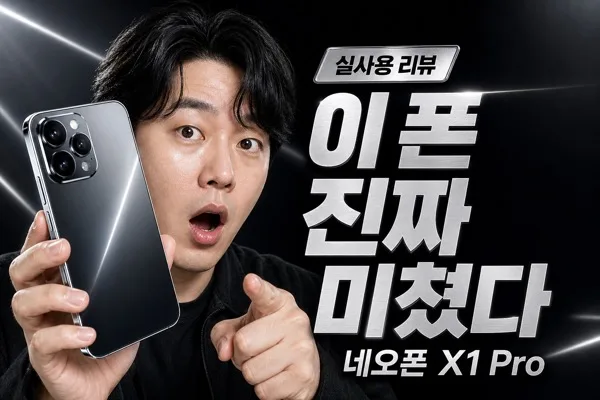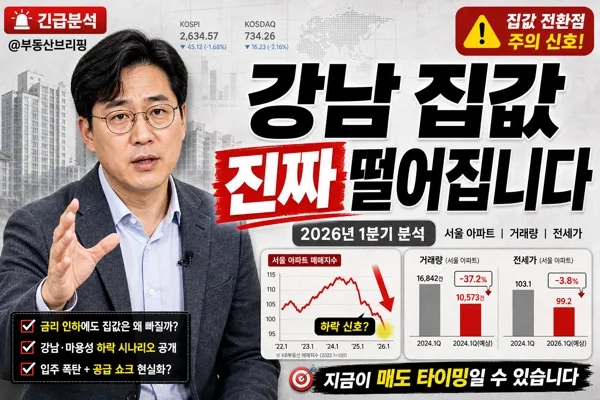
YouTube/Thumbnails
정보 요약 유튜브 썸네일
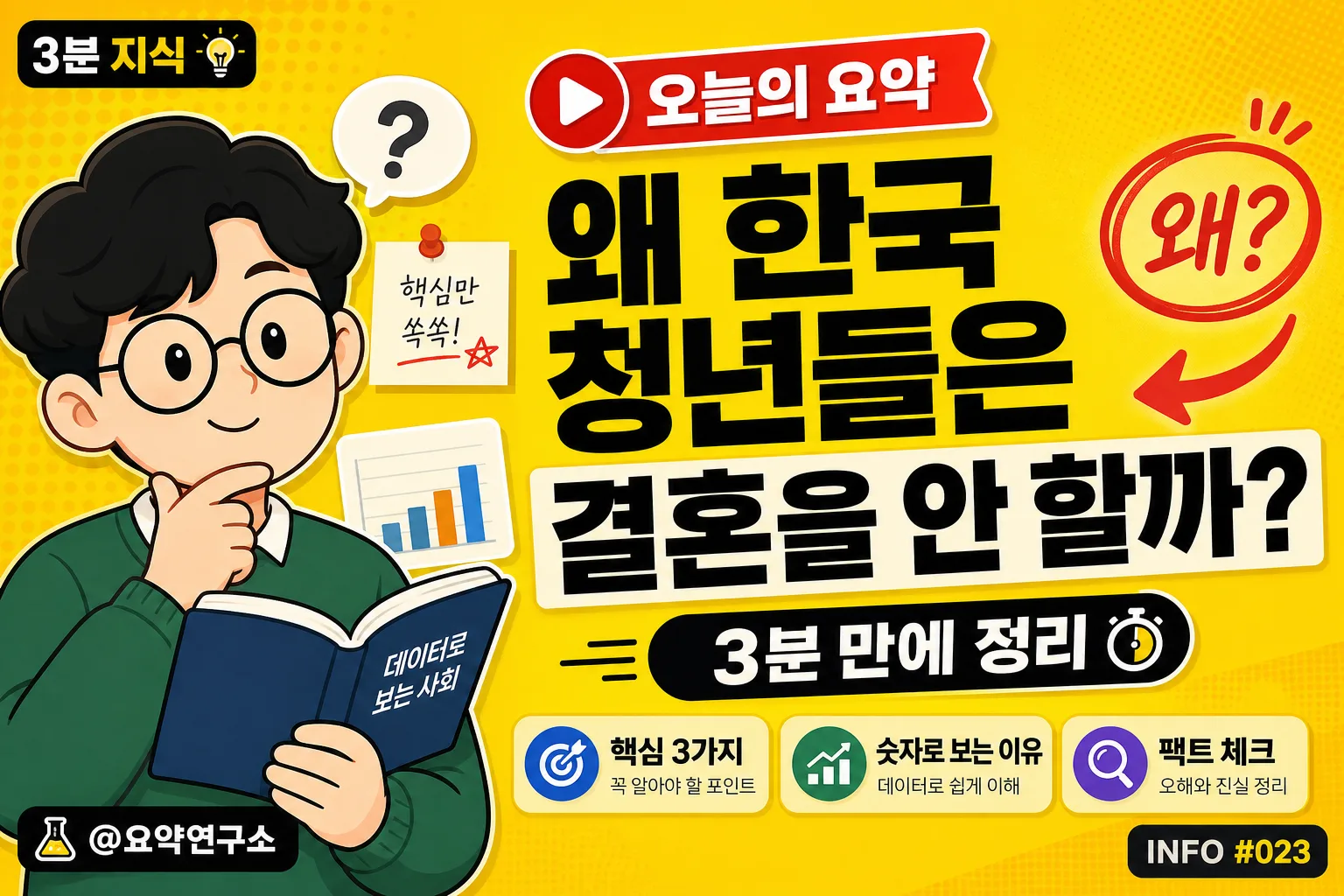
한국 정보·요약 채널. 노란 배경 + 검정 굵은 한글 + 캐릭터 일러스트. 깔끔한 인포 채널 톤.
정보 요약 유튜브 썸네일 summary
Copy this ChatGPT image prompt to create YouTube/Thumbnails results. Its subject, background, style, and composition are organized for quick iteration.
Related keywords: 정보 요약 유튜브 썸네일, 정보 요약 유튜브 썸네일 프롬프트, YouTube/Thumbnails 프롬프트, YouTube/Thumbnails AI 이미지 프롬프트, ChatGPT 이미지 프롬프트, AI 이미지 생성 프롬프트, AI 프롬프트, 이미지 프롬프트
How to use 정보 요약 유튜브 썸네일
Keep the prompt structure and swap the subject, background, palette, or composition to create new variations.
- Keep the main subject and adjust the palette and background for your brand, season, or channel.
- If the result feels busy, simplify the background and make the subject, composition, and lighting more specific.
- After copying, ask ChatGPT to adapt it for your platform, aspect ratio, or text requirements.
Original prompt
[Input]
- language: Korean
- output_size: 1536x1024

[Purpose]
Korean YouTube thumbnail for an information-summary-educational channel, built for fast mobile readability and high click-through in a landscape layout.
Flat-vector editorial style with a lively real-channel thumbnail finish: bold Korean headline hierarchy, small channel branding cues, quick-summary labels, and curiosity-triggering visual hooks, similar in tone to 너진똑, 슈카, and 일주일에 책 한 권.

[Composition]
- Full-frame background uses {배경 색} as the dominant field, with subtle printed-paper grain, faint halftone dots, and a few soft geometric blocks to make the thumbnail feel like a finished broadcast graphic.
- Left 35% of the canvas: {캐릭터/일러스트} placed as a cropped hero illustration, large enough to be instantly recognizable, with a small desk-note motif, simple chart card, or speech bubble nearby to reinforce the information-summary theme.
- Right 65%: oversized Korean headline block aligned for maximum legibility, with compact subtitle support beneath and a high-contrast title badge above it.
- Add real thumbnail packaging details: a small channel handle label, a bold “오늘의 요약” ribbon, one arrow or circle highlight, and a small emoji/accent shape that increases click appeal without covering the main text.
- Include 2–3 short supporting blurbs around the headline area, such as “핵심 3가지”, “숫자로 보는 이유”, and “팩트 체크”, set smaller than the main title but still crisp.

[3. CORE STRUCTURE]
1. Background layer — Fill the entire canvas with {배경 색}, then overlay faint grain/noise texture, subtle halftone circles, and a few translucent rectangular panels so the flat color feels like a polished Korean YouTube explainer thumbnail.
2. Left hero zone — Place {캐릭터/일러스트} in the left 35% area, cropped dynamically at the edge if needed, with simple flat-vector shading, a soft cast shadow, and small educational props such as a floating memo card, mini bar chart, or question bubble.
3. Right headline zone — Set {메인 텍스트} as the main visual anchor in the right 65%, using very large black sans-serif type with tight line breaks, thick weight, and occasional off-white highlight backing behind key words for instant mobile readability.
4. Subtitle zone — Position {부제} near the lower portion of the text block inside a rounded pill or rectangular tag, keeping it secondary but sharp and readable on mobile.
5. Thumbnail hook layer — Add a red play-button-inspired triangle, a thick arrow, or a circled highlight pointing toward the headline; add one punchy Korean sticker label such as “왜?” or “진짜 이유”.
6. Channel micro-branding — Add a small top or bottom corner handle label reading “@요약연구소”, a tiny episode tag “INFO #023”, and a compact series label “3분 지식” to make the design feel like an authentic uploaded thumbnail.

[4. STYLE RULES]
- Typography: Pretendard ExtraBold or Noto Sans KR Black for the main headline, with subtitle in Pretendard SemiBold or Noto Sans KR Medium; headline size should feel thumbnail-scale dominant, subtitle about 35–45% of headline size.
- Color palette: {배경 색} as the main field, black #111111 for primary text, optional off-white #FFF8E7 for text backing, red #FF3B30 or deep blue #1D4ED8 for arrow/play accents, and muted gray #4B5563 for small metadata.
- Use thick graphic outlines, sticker-like label boxes, and crisp vector shadows around the character and headline so the image reads clearly in a crowded YouTube feed.
- Supporting labels should be short Korean phrases only, never long paragraphs: “핵심 3가지”, “팩트 체크”, “숫자로 보기”, “오늘의 요약”.
- Keep the main text hierarchy dominant even with extra details: decorative shapes, channel tags, and feature blurbs must frame the headline rather than compete with it.

[5. VISUAL STYLE]
- Camera / lens: digital flat illustration look inspired by a 50mm product-photography framing mindset, but rendered as vector design rather than a real photo.
- Lighting: simulated studio clarity with directional depth from upper-left to lower-right; soft vector shadows under the hero illustration, title stickers, and accent shapes add dimensionality.
- Color grade: bright primary-yellow editorial palette with crisp black typography, off-white highlight panels, red/blue click accents, and the energetic finish of a modern Korean educational thumbnail system.

[6. MOOD]
Korean knowledge-channel thumbnail — compact, witty, editorial, and scroll-stopping, with the punchy clarity of a modern YouTube explainer visual system and enough small details to feel like a real uploaded video thumbnail.

[7. CRITICAL]
- Korean text accuracy: the following strings must appear exactly and clearly in the image: "왜 한국 청년들은 결혼을 안 할까?", "3분 만에 정리".
- Additional Korean thumbnail text may appear clearly: "오늘의 요약", "핵심 3가지", "팩트 체크", "숫자로 보는 이유", "@요약연구소", "INFO #023", "3분 지식".
- Keep all Korean characters crisp and correctly formed, with no warped strokes, missing 받침, or accidental English substitutions.
- Illustration should remain friendly and scholarly, never aggressive or sensational.

[8. 🚫 PROHIBITED]
- Fake official seals, badges, or certification marks
- Broken Korean characters or misspelled Hangul